Viral videos · Week of September 28, 2026
The 5 most viral videos this week, broken down (Sep 28, 2026)
Discover how viral videos use high-energy hooks and rapid editing to grab attention.
By Strat Cat · Updated
Key takeaways
- High energy emotional expressions in the first 2 seconds act as a pattern interrupt that stops the scroll.
- Rapid fire demos showing a complex task solved in under 30 seconds maintain high audience retention rates.
- Immersive first person POV shots successfully bridge the gap between the viewer and the creator's professional environment.
The best performing videos this week master the art of the immediate pattern interrupt. Creators use bold claims and immersive POV shots to keep viewers watching until the very end.
1. AI Assistant Multitasks with Voice Commands
Diego · Instagram · Tutorial · Strat score 86/100
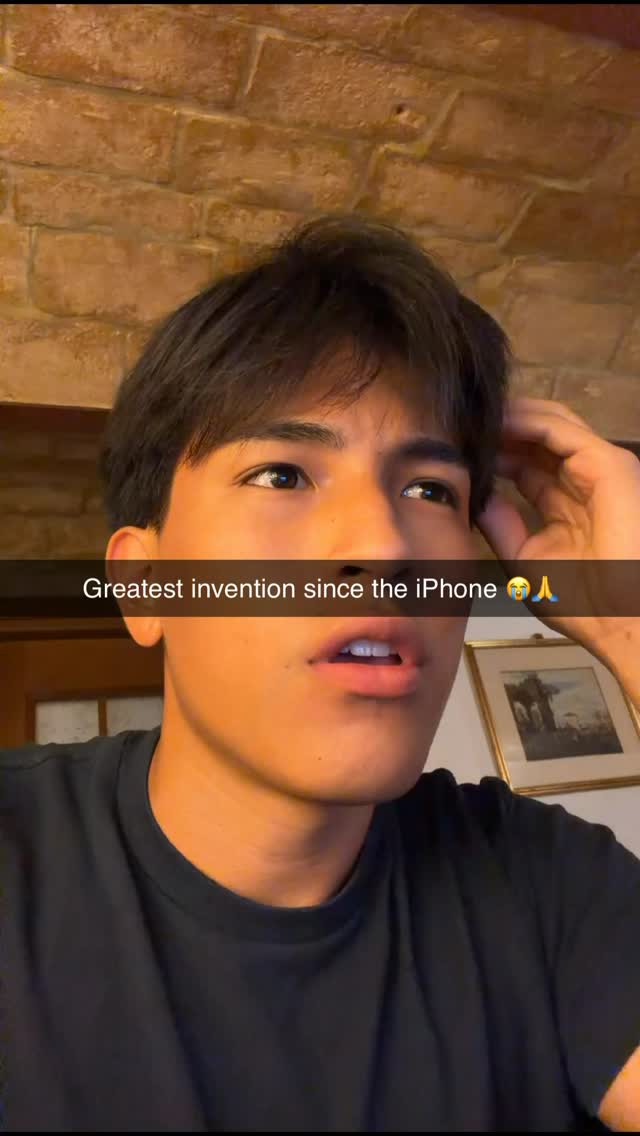
Yo, this update's crazy.
Why it worked
The video uses a bold text claim paired with a high energy facial expression to stop the scroll. It then immediately delivers on the promise by showcasing impressive AI capabilities in rapid succession.
Beat by beat
- 0-2s HOOK
- Creator looks at the camera with an excited expression, delivering a spoken hook while a bold, hyperbolic text hook is displayed on screen.
- 2-25s DEMO
- The view switches to a screen recording where the creator uses voice commands to demonstrate the AI's multitasking capabilities, layering music, a coding task, and a game.
- 25-29s CTA
- The creator returns to a talking head shot and gives a direct call to action, telling viewers to comment a specific keyword to get access to the tool.
Steal this
- Film an enthusiastic talking head clip.
- Add a bold, hyperbolic text overlay.
- Show a fast screen recording of the tool.
2. How to Build a Shopify Store with ChatGPT (Caveman Edition)
Jessi · Instagram · Tutorial · Strat score 85/100
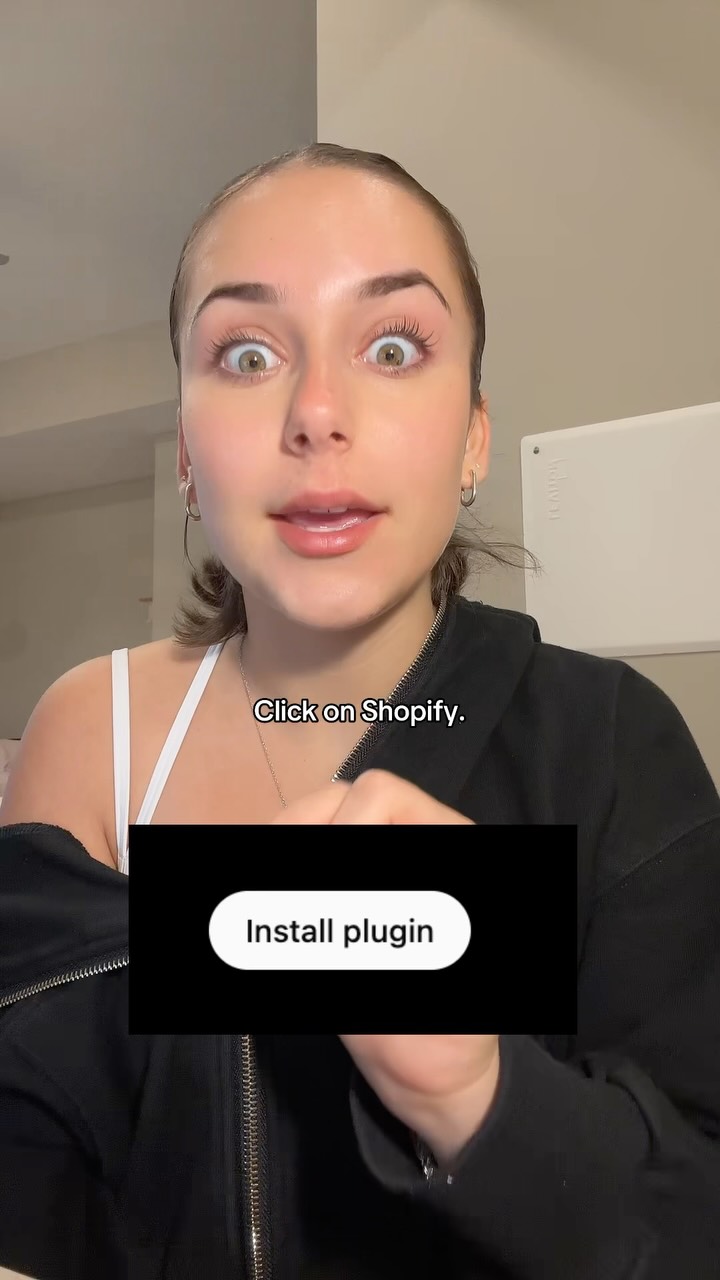
ChatGPT.
Why it worked
This video succeeds by promising to simplify a complex business task. The rapid pacing and immediate proof of results make the content feel like an achievable tutorial.
Beat by beat
- 0-2s HOOK
- Creator looks shocked and leans into the camera while a text hook presents a high-value equation (ChatGPT + Shopify = Money) with a simplifying frame.
- 2-11s DEMO
- A rapid-fire tutorial shows the step-by-step process of finding and installing the Shopify plugin within ChatGPT, using screen recordings and text overlays for each action.
- 11-17s PROOF
- The creator shows the plugin in action by inputting a prompt and then immediately displays the AI-generated, professional-looking storefront as proof of concept.
- 17-21s PAYOFF
- The creator rapidly lists the key benefits of this method: a complete store from AI, no coding required, and the ability to run it from a phone.
- 21-24s CTA
- A direct call to action asks viewers to comment a specific keyword in exchange for a free training, pointing to herself to reinforce the offer.
Steal this
- React with shock to the camera.
- Show the plugin installation process quickly.
- Display the finished store as proof.
3. POV: Managing a High-Energy Cold Call Sales Floor
Hunter Kone · Instagram · POV · Strat score 83/100
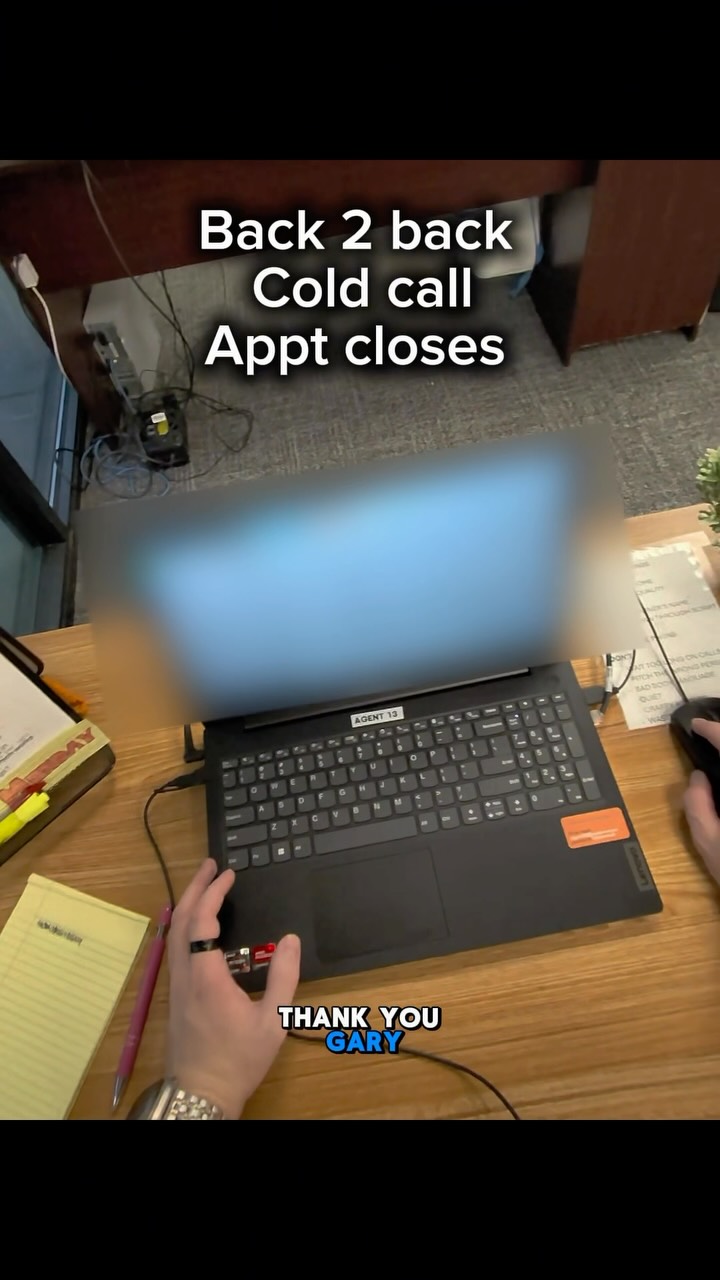
Closer.
Why it worked
The first person perspective pulls the viewer directly into a high stakes environment. This creates an immersive experience that feels authentic and high energy.
Beat by beat
- 0-7s HOOK
- Start with a fast-paced POV shot moving through the office, immediately taking a headset from an employee to jump on a call.
- 7-28s DEMO
- Showcase expertise by taking over multiple calls, speaking with authority, and quickly closing appointments for the team.
- 28-40s PROOF
- Pan across the celebrating team and walk up to a whiteboard to physically mark off the newly closed deals, visualizing the success.
- 40-50s PAYOFF
- Show a quick shot of the day's paperwork, pack up a bag, and walk out of the office to conclude the 'day in the life' narrative.
Steal this
- Film a walk through an office.
- Show yourself taking over a task.
- Pan to coworkers celebrating a success.
4. Unhinged Questions for Your Group Chat
katie✨ · Instagram · Listicle · Strat score 75/100
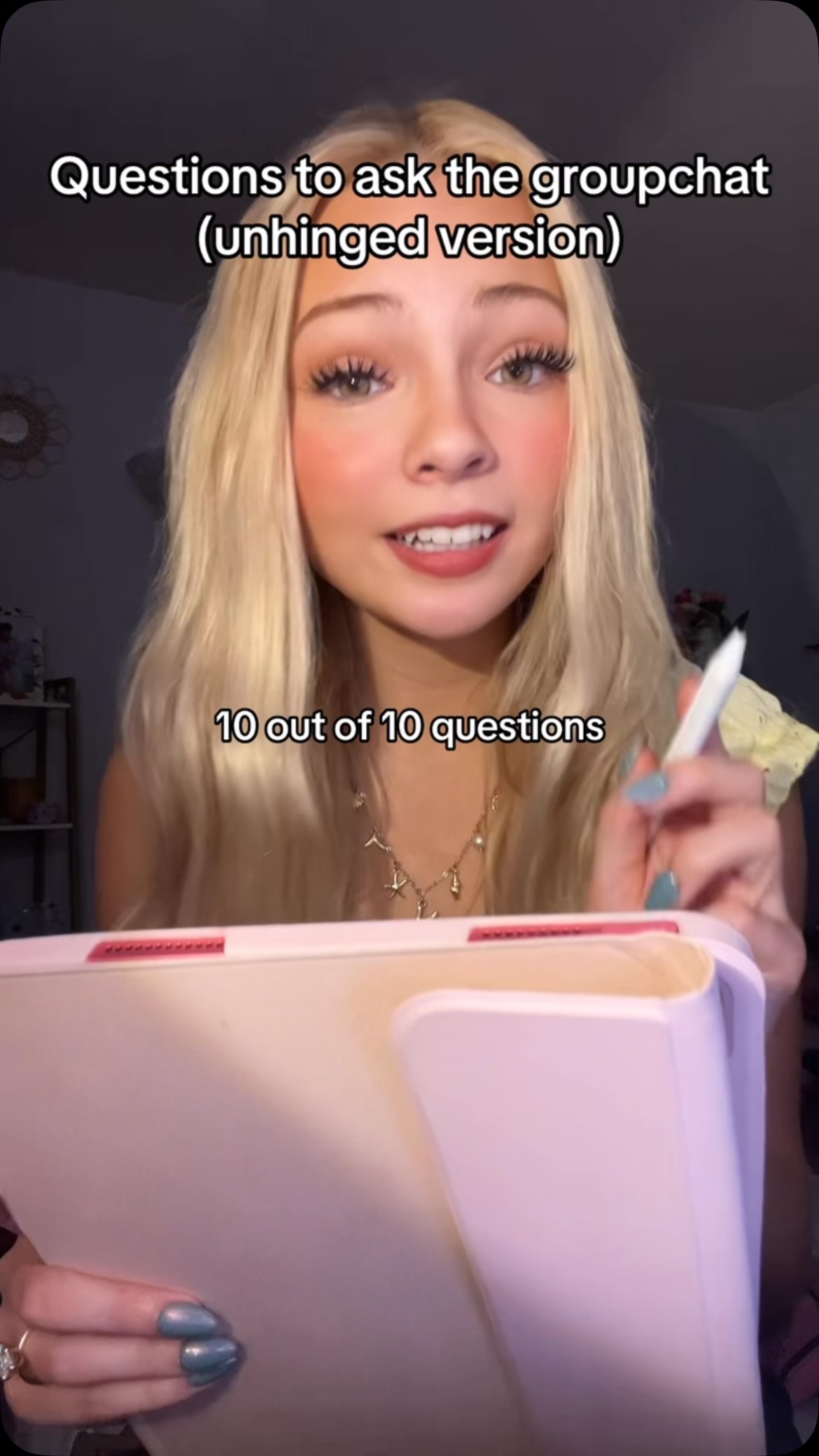
10 out of 10 questions to ask the group chat, except it gets progressively more unhinged.
Why it worked
By framing the video as an unhinged list, the creator creates a curiosity gap that encourages sharing. The props help establish a clear listicle format for the audience.
Beat by beat
- 0-4s HOOK
- Creator introduces the premise of a list of 'unhinged' questions for a group chat and includes a direct call to action to share the video.
- 4-25s DEMO
- Creator reads the list of questions one by one, looking at the camera and gesturing with a stylus as if reading from a list on her tablet.
Steal this
- Introduce the list premise early.
- Read items one by one.
- Ask viewers to share the video.
Prop: white stylus
5. Couple's Testimonial for Body Acne Product
jamiefinds3 · TikTok · Talking Head · Strat score 51/100
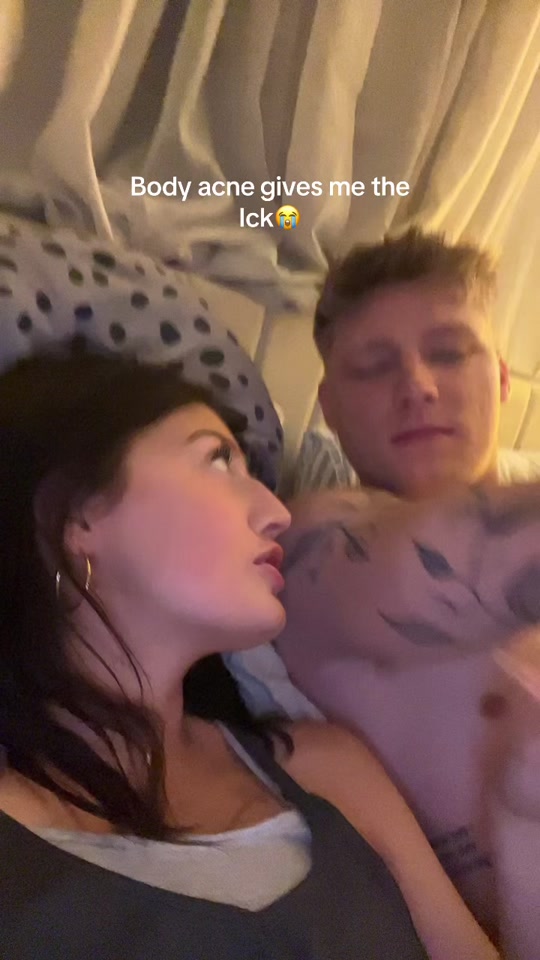
So freaking gross to say but I used to like cuddle my man...
Why it worked
The casual bedroom setting creates an immediate sense of intimacy and trust. This format makes a product testimonial feel like honest advice between friends.
Beat by beat
- 0-9s HOOK
- Creator tells a story about her boyfriend's body acne, using a provocative on-screen text hook and showing a quick 'before' photo to establish the problem.
- 9-19s PROOF
- She introduces the product as the solution and provides visual and sensory proof by running her hand over her boyfriend's now-clear chest, emphasizing the results.
- 19-30s PAYOFF
- The creator directly addresses the target audience (people with body acne), explains the simple product routine, and transitions to the product reveal.
- 30-33s CTA
- The camera cuts to show the product line in the shower, with the boyfriend delivering a final, concise testimonial to reinforce the product's effectiveness.
Steal this
- Establish the problem with a story.
- Show the product results on skin.
- End with a direct testimonial clip.
Frequently asked questions
What is a visual hook on TikTok?
A visual hook is the first image or movement in a video designed to stop someone from scrolling. This often involves an intense facial expression, sudden motion, or a surprising physical prop.
Why does rapid editing increase video performance?
Rapid editing provides new information or visual stimulation every second, which keeps the viewer focused. It prevents boredom and signals that the video will deliver value quickly.
How do creators use curiosity gaps in short videos?
Creators create a curiosity gap by promising a big result or a shocking reveal in the opening seconds. This forces the viewer to watch the rest of the video to find the answer.